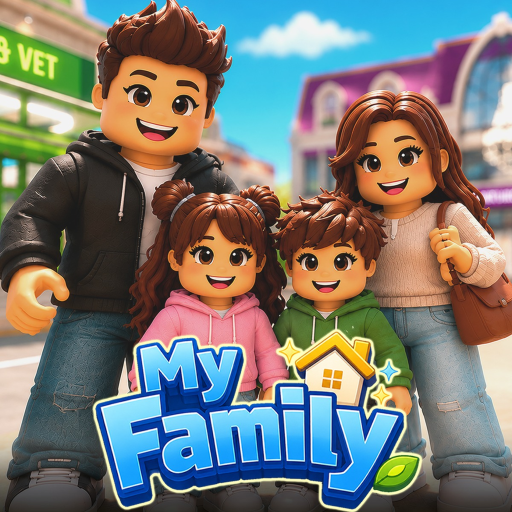
MyFamily
Wiki hub

My Family Wiki

Find confirmed My Family systems, practical household guides, and clear boundaries around pet, town, career, and skill details that are not yet verified.

Quick answer

Use the wiki to find the household system you need

Start with members, homes and careers, or pets and town, then move to the matching guide or planner.

The wiki is the navigation hub for the exact My Family experience by Block Evolution Studios, universe 10426401239.

When exact values are unavailable, the page gives an observation routine instead of presenting another Roblox family game's data as fact.

Core systems

Start with the topic family that matches the job

A useful wiki hub should move players toward a decision, not leave them in a directory.

Family members

Create and customize up to 15 members, then use visible needs, relationships, autonomy, and direct control to guide the household.

Homes and careers

Build, furnish, and recolor a home while working toward cash and promotions across the developer-stated 14 careers.

Pets and town

Pet adoption and town exploration are confirmed, while exact pet catalogs, benefits, and location maps remain held until verified.

Player routes

Common next moves

  • Starting a household? Use the beginner and family-member guides.
  • Planning work or a room? Open the careers or house-building guide, then record the task in the family planner.
  • Checking pets, town, codes, or updates? Use the status pages that separate confirmed categories from missing details.
FAQ

Wiki questions

What is the My Family wiki for?

It organizes confirmed My Family systems—members, homes, careers, needs, relationships, pets, town, and aging—without inventing missing catalogs or formulas.

Should every topic become a separate wiki page?

No. A topic should become its own page only when players search it directly and the page can answer the task with useful details.

Where should I go after this wiki hub?

Use the topic page below, then jump to the family planner, guides, codes, or updates based on your household task.

Wiki topic pages

Open the topic that matches your task

Each topic page should answer a concrete lookup and then send players to the next guide, tool, tier note, code page, or update check.

Next actions

Use the fastest page for the decision

The cards below connect broad wiki lookups to the player task pages that usually solve the problem faster.